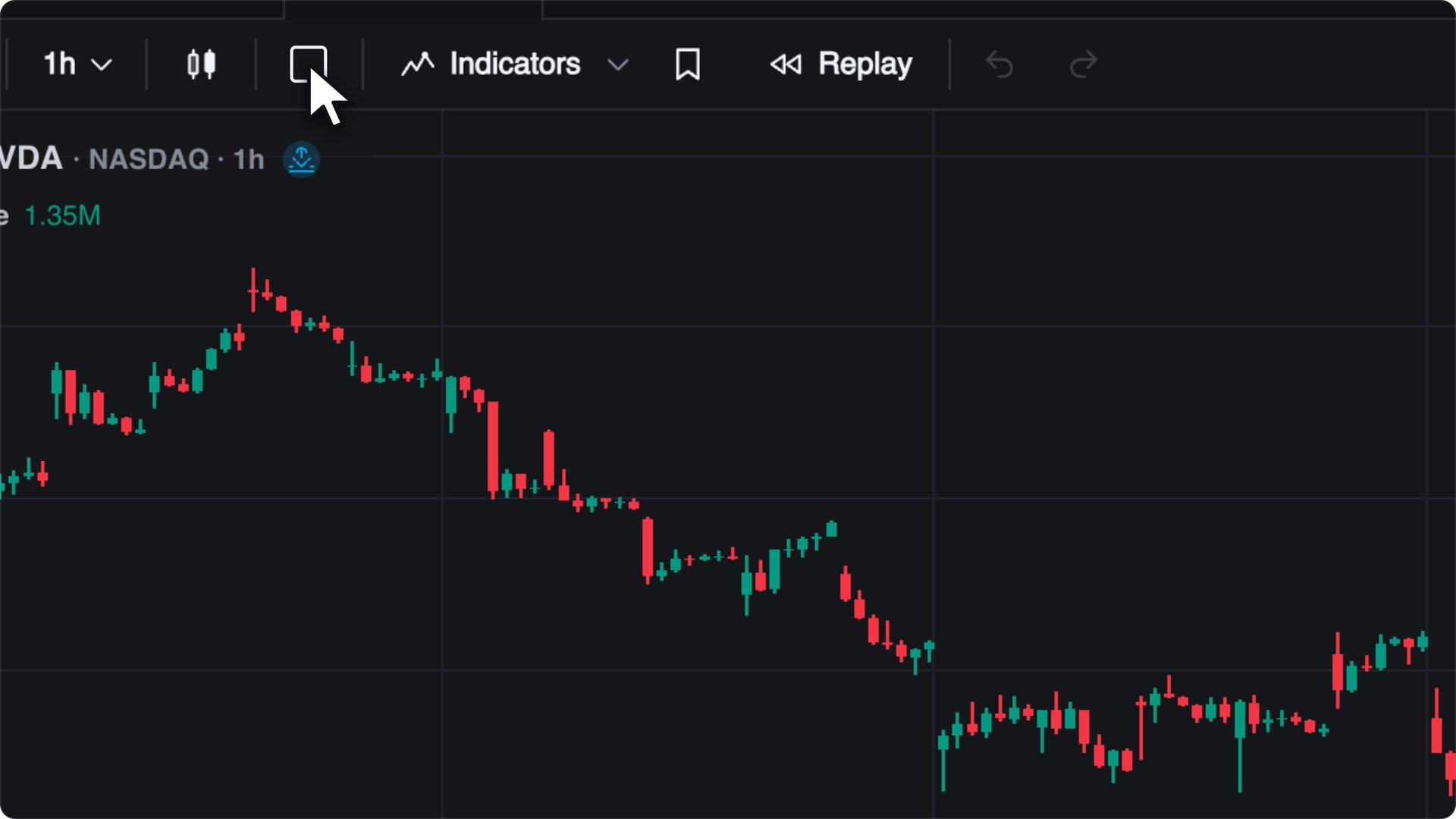

Put a level on the chart.
Keep your favorite drawing tools on the radial wheel. Snap a trendline to a wick, measure a retracement, or map a trade with its target and stop. Save your styles for the next setup.
 Vela Charts
Meet Vela, our next-generation charting platform. Follow price across markets, see the trades inside each candle, and mark up the levels you want to watch.
Free to start. No credit card required.Jump to a date range or zoom right where your cursor points.
Follow the buying and selling behind a move. Vela builds footprints, delta, volume profiles and TPO from real trades across crypto, US stocks and ETFs, and CME futures. Orderflow is included on every plan.
Explore orderflowEvery paid plan includes real-time CME futures data and 16 years of history.
Keep your favorite drawing tools on the radial wheel. Snap a trendline to a wick, measure a retracement, or map a trade with its target and stop. Save your styles for the next setup.
Open the LuxAlgo Library right on the chart. Search for Liquidity Swings, Elliott Wave, or another of its 800+ indicators. The LuxAlgo tools you know from TradingView® are free in Vela.
See earnings, dividends, splits and news on the bar where they happened. Open the calendar beside your chart for upcoming releases, forecasts and actual figures.
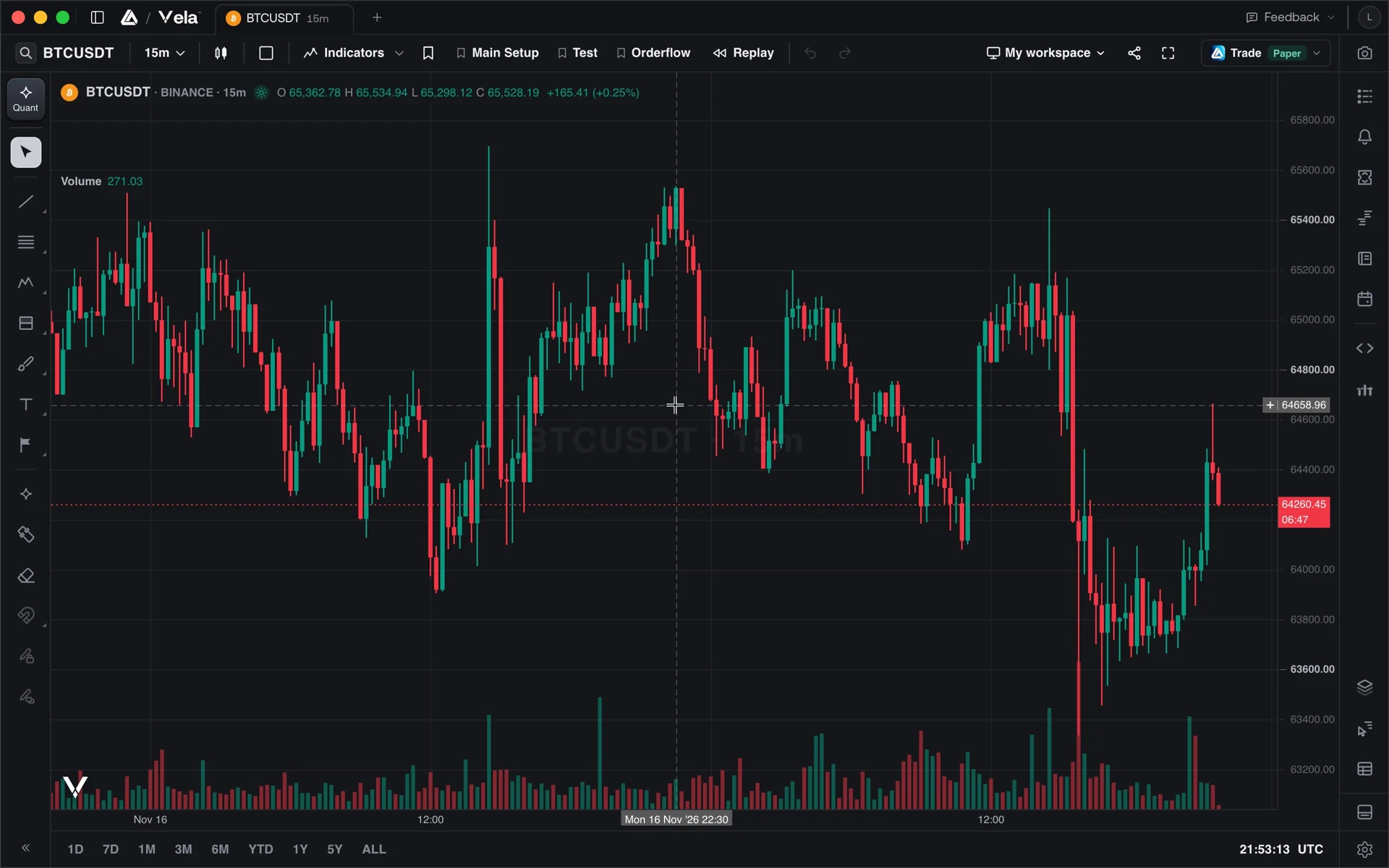
Start at any bar and trade forward at your own pace. Review your entries and exits when the session ends.
Explore Replay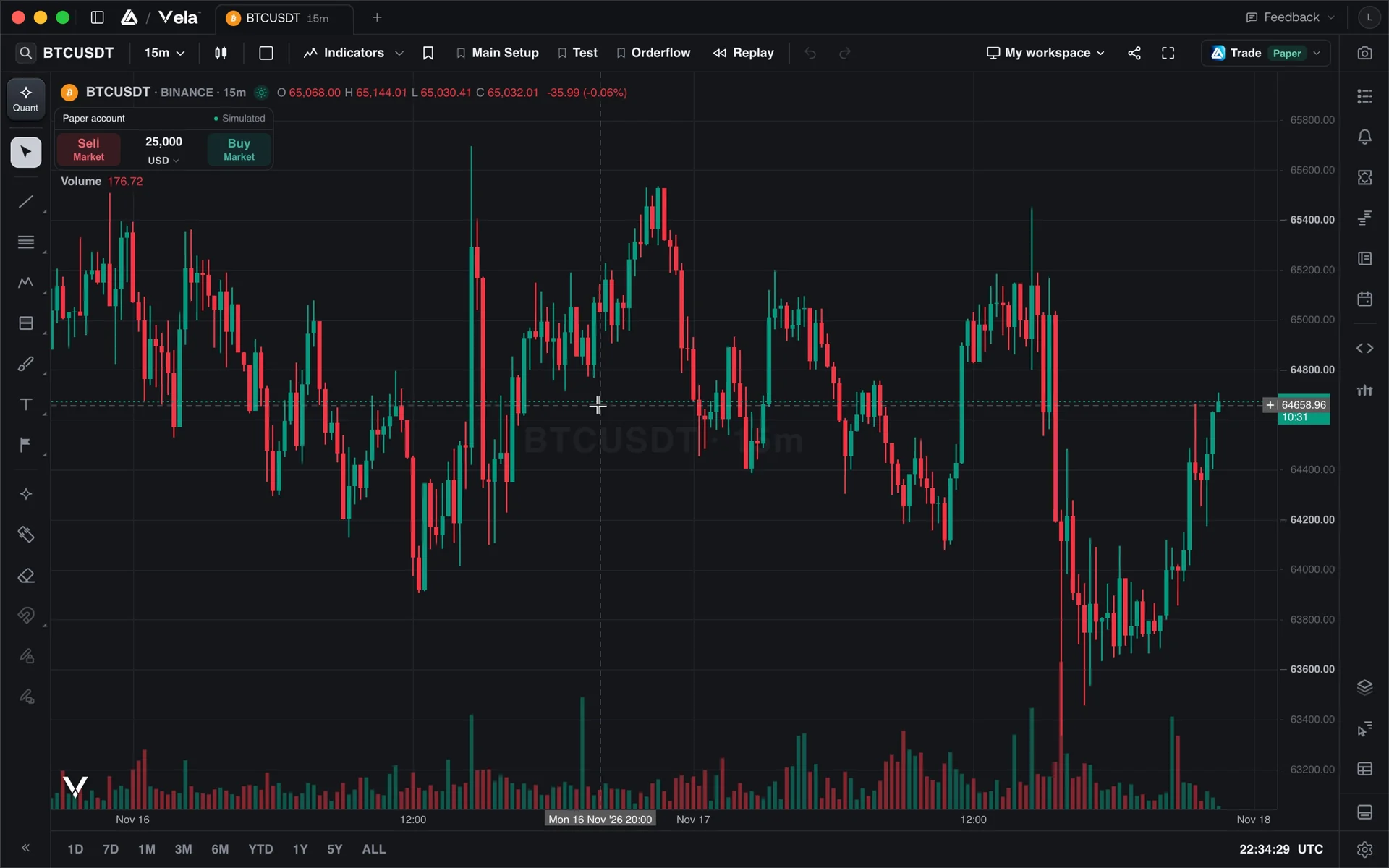
Start with a $100,000 paper account. Set your entry, stop and target on the chart. Every fill goes straight into your journal.
Explore paper trading Explore the journalYes. Open a chart on every major market with a free account, full real-trade orderflow suite included. Every plan opens 16 charts per tab. Paid plans extend orderflow lookback and chart history, and add real-time CME futures data.
Coming from TradingView? See how Vela compares, 16 charts per tab on every plan, or how the switch works.
